Next.js 16 · TypeScript · Postgres · Bun
Start your project with the boring parts already done.
A Next.js project with login, payments, email and an admin panel working from day one. It's running in 10 minutes, and you spend your time, and your AI's, on what makes your product different.
149 € one-time · 30-day guarantee
Project: your-product
- 01Login with email, Google and GitHubDone
- 02Payments with Stripe or PolarDone
- 03Transactional emailsDone
- 04Admin panelDone
- 05BlogDone
- 06SEODone
- 07Languages and dark modeDone
- 08Rules for your AIDone
- 09Your productyou start here
Comparison
Do the math.
What it takes to build it from scratch with your AI, and how long it takes to start from here.
Time spent fighting your AI before anything works
- Login with email and social accounts~7h
- Taking card payments without breaking the app~10h
- An admin panel to manage users~10h
- Emails that reach the inbox~4h
- Looking right on mobile and in dark mode~4h
- Getting found on Google~5h
- Fixing what your AI changes every time~40h
Total
~80h · ~2900 €
- + ~500 € in AI tokens
- + ~2400 € of your time (at 30 €/h)
spent on things that don't move your product forward
Time until you start on your product
- Login with email and social accountsworking
- Card paymentsconnected
- Admin panel to manage usersready
- Emails that reach the inboxset up
- Mobile and dark modeincluded
- Getting found on Googleset up
- Your AI knows the projectno guessing
Total
10 min · 149 €
- + your AI with the project context
- + one payment, no extra tokens
and you start on your product
What's included
All the boring parts, already done.
The stuff you've built too many times already, tested and wired together.
Product basics
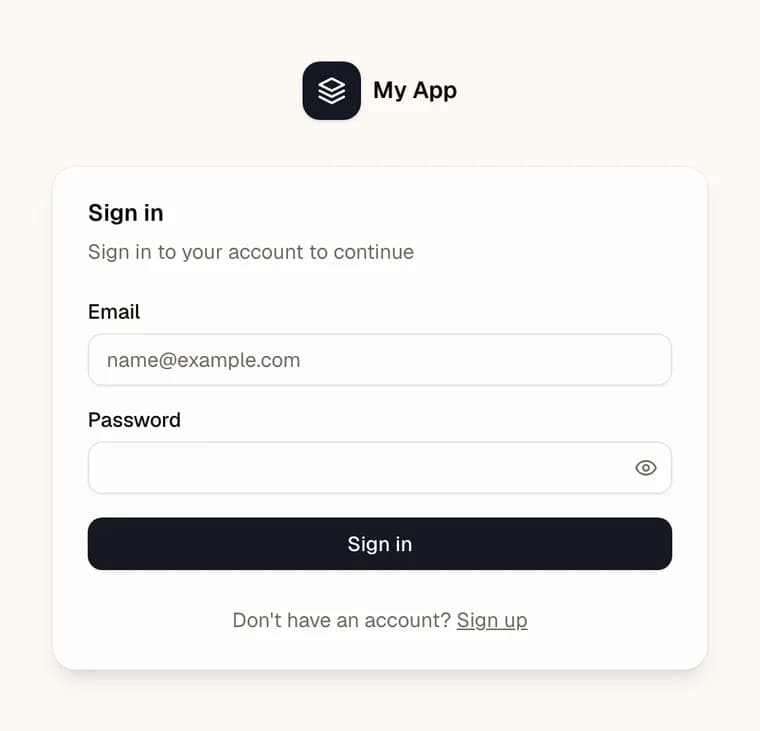
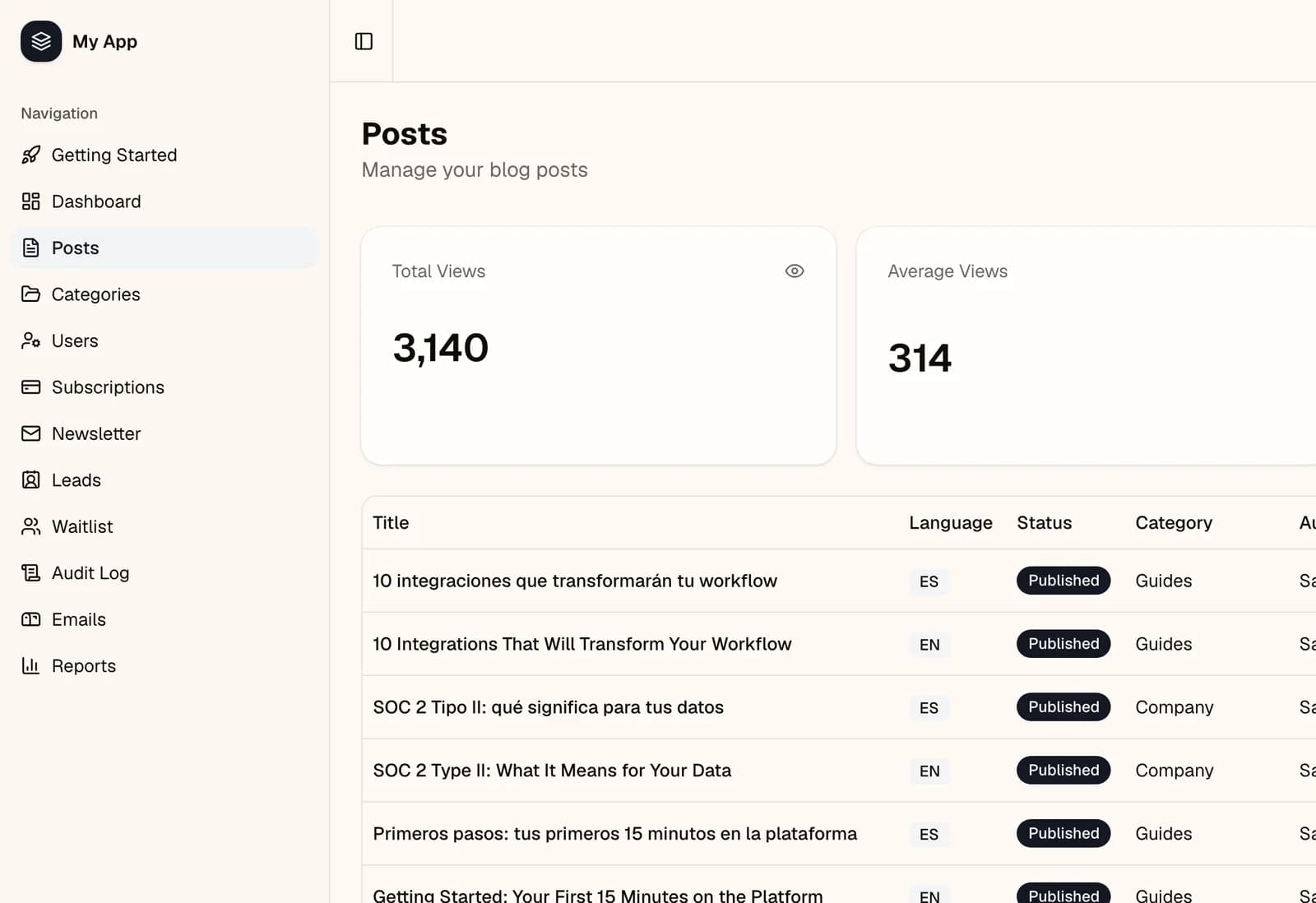
What you need before your first user: login, payments, email and a panel to run it all.
Authentication
Users sign in with email, Google, GitHub or LinkedIn. Sessions and password reset included.
Payments
Subscriptions, one-time payments or credits, on Stripe or Polar. Webhooks and billing portal already connected.
Email
Transactional emails and newsletters, with templates built in React Email.
Admin panel
Manage users, suspend accounts and sign in as anyone to see exactly what they see.
Growth and launch
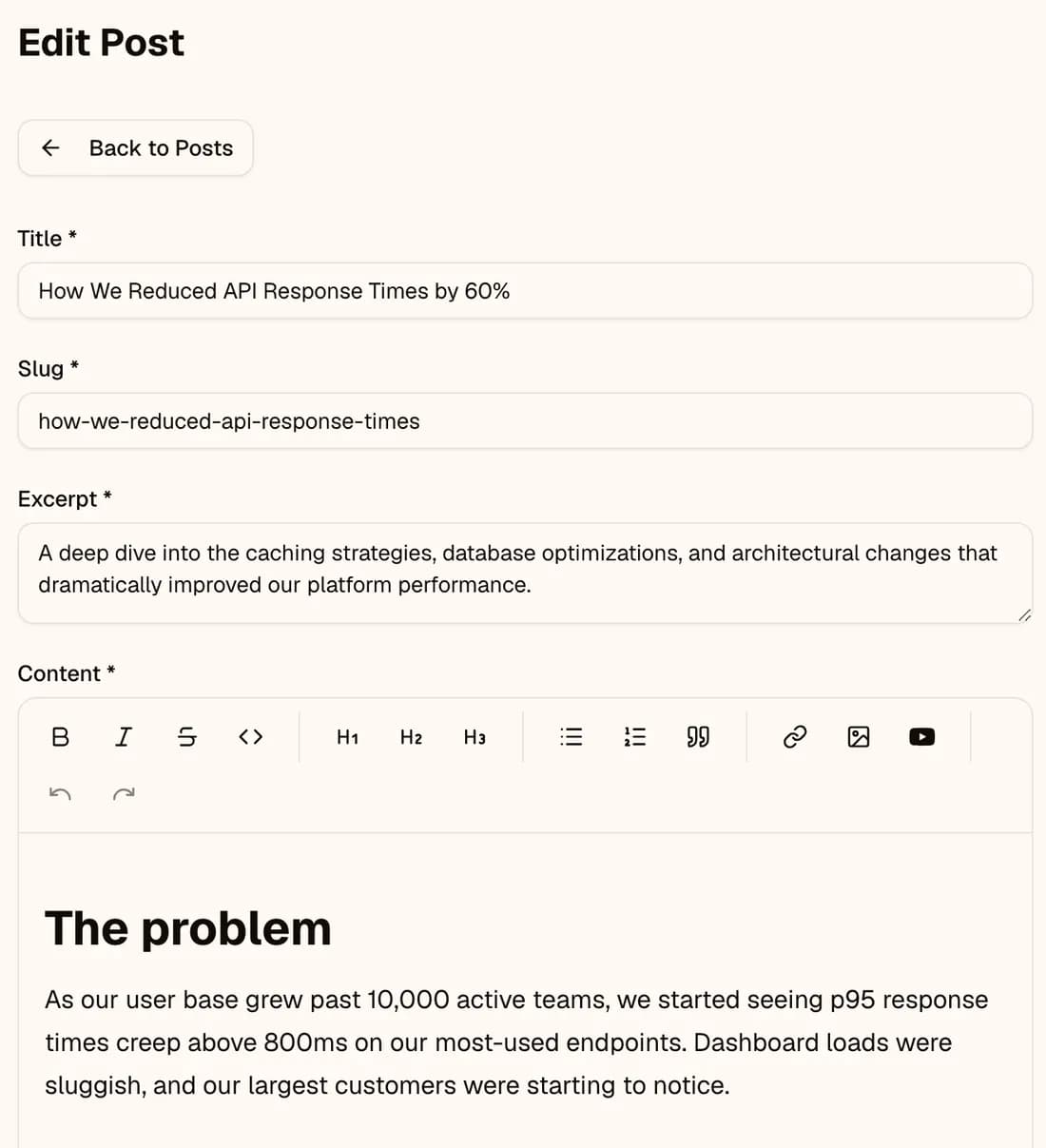
A blog, SEO, two languages and guided onboarding for new sign-ups.
Blog
Visual editor, categories, tags and OG images generated on publish.
SEO
Metadata, Open Graph and JSON-LD already set up. You write the copy.
Languages and theme
English and Spanish out of the box, with light and dark mode.
Onboarding
New users set themselves up in a few guided steps: profile, organization and two-factor.
Running the app
Teams with roles, in-app notifications, file uploads and two-factor auth. What your first customers ask for.
Organizations
Teams with owner, admin and member roles. Invitations and permissions already handled.
Notifications
In-app notifications with an unread count that updates live.
File uploads
Upload to the storage you prefer: AWS, Cloudflare or Hetzner. Drag and drop included.
Two-factor auth
QR setup for authenticator apps, plus backup codes for when someone loses their phone.
Production ready
Tests in CI, error tracking and a pay-per-use AI chat.
AI assistant
A streaming chat built on AI SDK 7, with OpenAI or Anthropic. It deducts credits based on the tokens each reply uses.
Tests
166 unit tests and 17 end-to-end tests already written and running in CI. Change something and you know right away if login broke.
Observability
Errors, traces and structured logs, with GlitchTip on your own server. No per-event pricing.
Building it with AI
Why not just ask my AI to build it?
You can, and it'll have a login or a checkout working in minutes. The problem shows up three months later: with no project context, every piece was built a different way, and you're the one paying off that debt.
What an AI without context leaves behind
It starts from zero every time
It creates files as if the project were empty and rewrites logic that already exists somewhere else.
Two ways to do the same thing
It picks libraries and patterns based on the conversation. Three months later nobody knows which one is the right one.
Bugs you don't see
Half-finished security and webhooks that fail silently. They surface once you have users.
What this base includes so that doesn't happen
CLAUDE.mdWhat your AI reads before touching anything: what exists, how it fits together and what to avoid.
.claude/rules/Architecture and quality rules, plus a guide for each module on what's off-limits and which pattern to follow.
.claude/skills/Workflows for the tasks you repeat, like adding a new module with the right structure.
.claude/agents/An architecture auditor and a quality checker that review the work before it counts as done.
bun lint:allCircular dependencies, dead code and duplication caught before every push.
Your AI still writes the code. But before it touches anything, it reads what's there, follows the patterns that already exist and passes the checks before you push.
Proof
Products running on this same base.
Products of mine and of clients that run on this base.
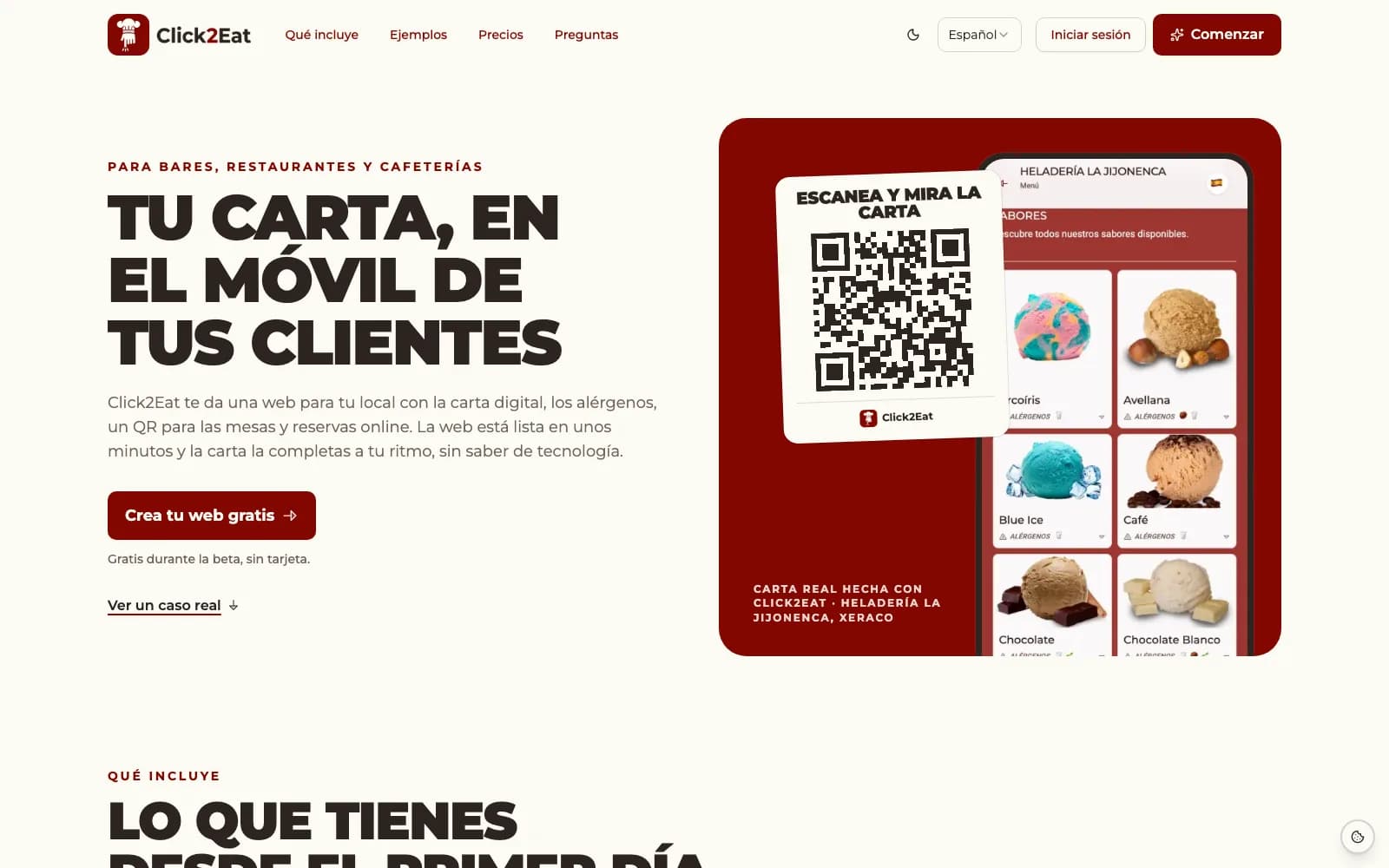
click2eat.app
A website for your bar or restaurant, with a digital menu, allergens, table QR codes and bookings.
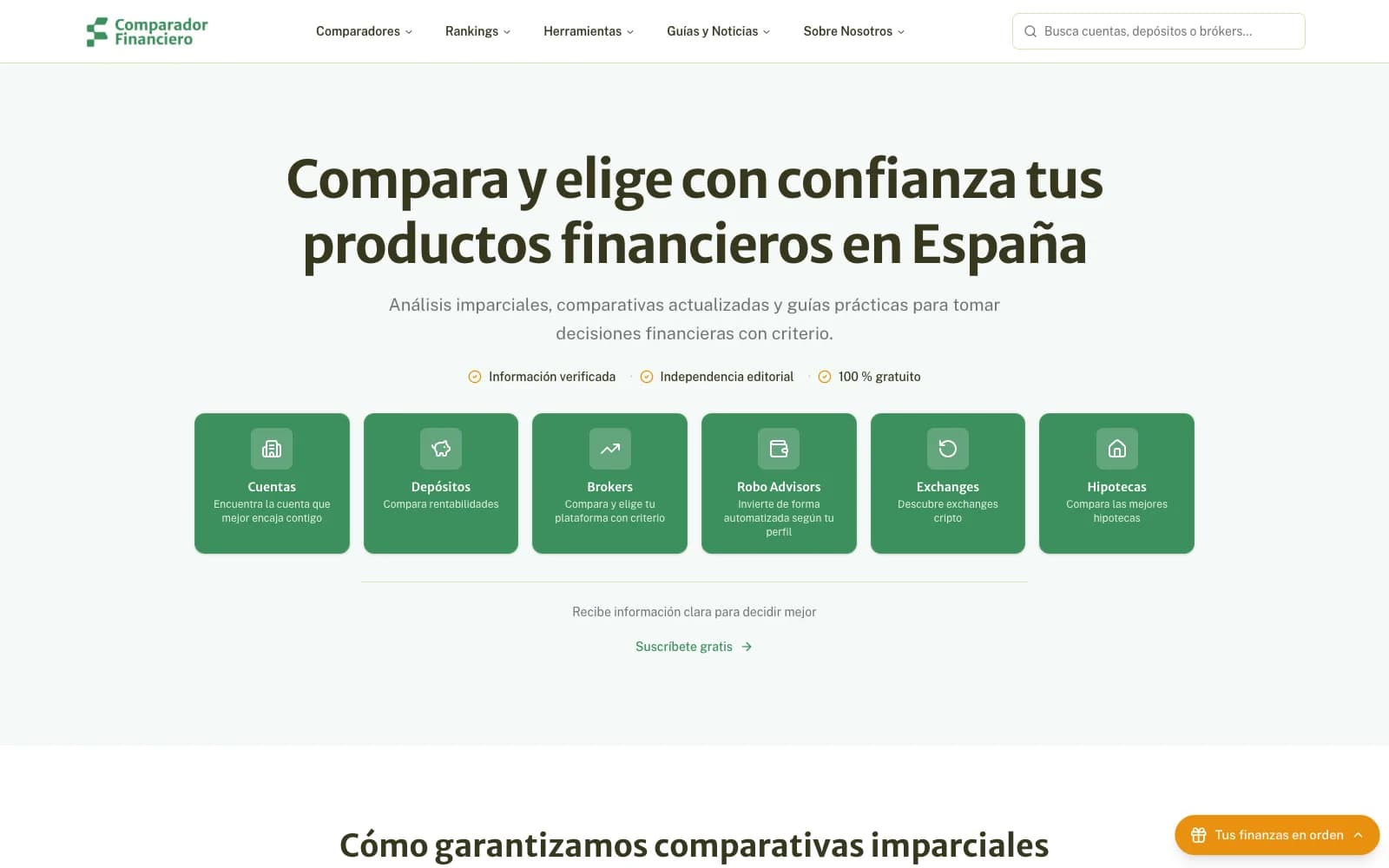
comparadorfinanciero.com
Compares financial products and explains them before you sign up.
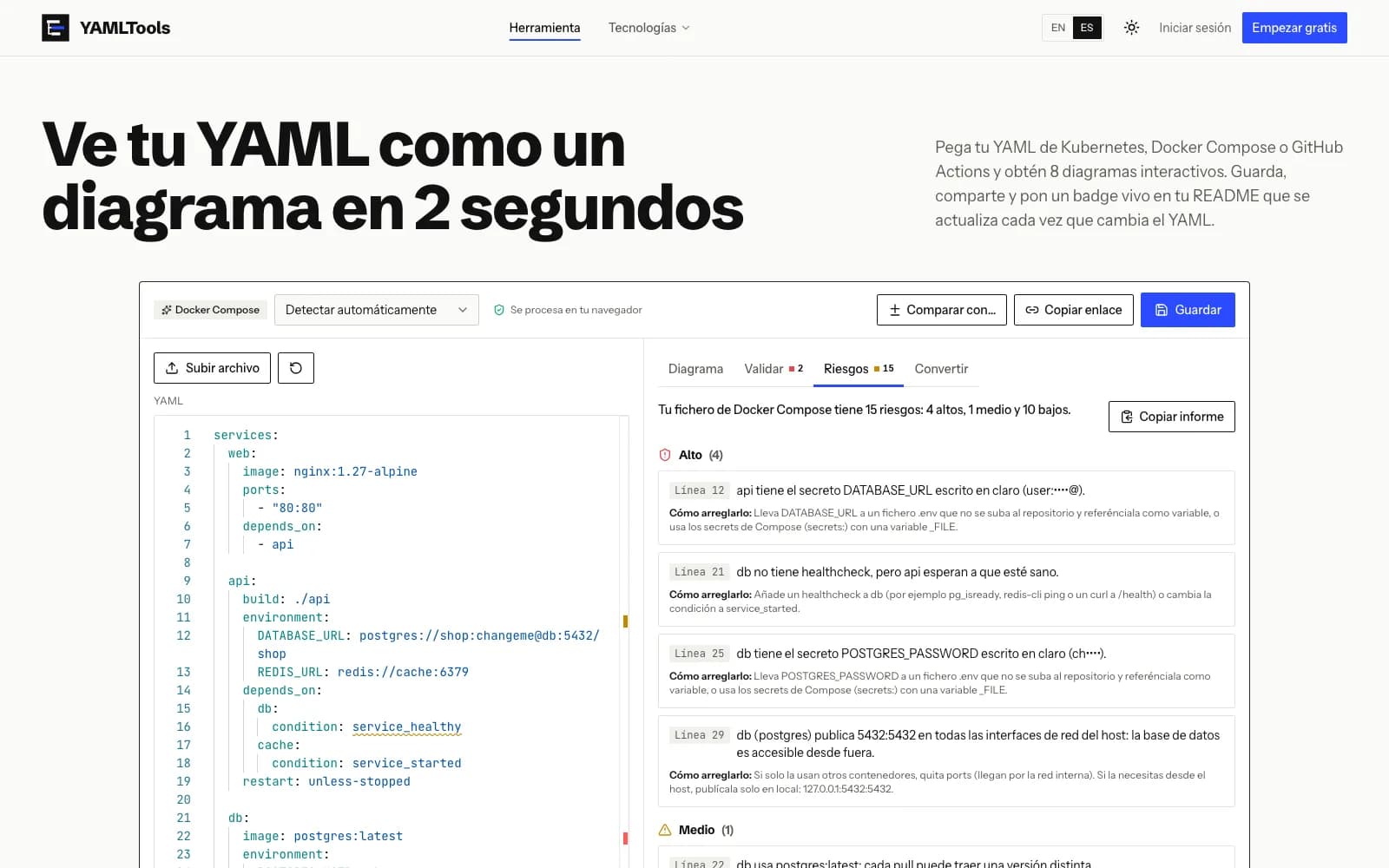
yamltools.dev
Draws, validates and flags the risks in your Docker Compose, Kubernetes or CI files.
Latest changes
Still actively maintained. Every release goes in the changelog.
- v2.1.4Security: the unsubscribe page asks for confirmation
- v2.1.3Security: newsletter unsubscribe requires a signed token
- v2.1.2Security: admin role on every admin route
Getting started
From zero to localhost in 10 minutes.
If you've set up a Next.js project before, there are no surprises. You'll need Bun and Docker.
You get the repo
Once you've paid, you get an invite to the private GitHub repo and the Discord.
Clone and install
It's your copy: rename it and point it at your own remote whenever you want.
git clone <repo> my-project && bun installFill in the .env
All you need is a database and the auth secret. Payments and email can wait.
cp .env.example .env.localStart Postgres
One Docker container, with the migrations applied.
bun docker:up && bun db:migrateStart it
Login, admin panel and blog running on localhost:3000.
bun dev
- Prefer to watch? A 21-minute video walks through every step.
- If something won't start, ask in the Discord and I'll answer.
Who it's for
Who it's for. And who it isn't.
Better to know before you buy.
It's for you if
You code and have a project in mind
A website, an app or your own SaaS. You know how to build login and payments; you just don't want to build them again.
You build with Claude Code or Cursor
And you want them to stick to the same architecture from one conversation to the next, with rules they read before writing anything.
You want to get to production
You want something that holds up with real users and real payments, and that you can deploy as soon as your part is ready.
It's not for you if
You don't code yet
You'll be reading code, using the terminal, setting up the .env and deploying. If you're not coding yet, this isn't where to start.
You need a different framework
If you work with Vue, Svelte, Astro, Remix or anything other than Next.js, this isn't for you.
You need a native mobile app
It's a web app. It works well on phones because it's responsive, but it isn't React Native or Electron.
You want an unopinionated base
It has a clear architecture and rules your AI follows. If you want total freedom, start from scratch.
Pricing
One payment. No subscription.
You get the full source code and every future update. If it's not for you, I'll refund you within 30 days.
CREA.MBA
The full project to launch your product with the boring parts already done
What you get
- Full source code (Next.js 16, React 19, TypeScript)
- Rules for your AI: CLAUDE.md, 18 skills, 6 rules and 2 agents
- Auth, payments, email, admin, blog, organizations
- Private GitHub repo with all future updates
- Access to the Discord community
- Unlimited projects (individual license)
- Full refund within 30 days
149 €
one-time payment · Launch price
30-day money-back guarantee, no questions asked
Secure payment handled by Polar
Who makes it
Israel Palma Sebastià

iPalSeb · CREA.MBA
Every time I started a new project, I lost weeks on the same things: auth, payments, emails, folder structure. So I built my own base and kept improving it with every project. It's what I use to launch my own products.
Questions
Frequently asked questions
What people tend to ask before buying.
Anything else? Email me at hola@crea.mba
The boring part is done. Now it's your turn.
Clone it, fill in the .env and run it. Your AI builds on a base it already knows.